
Description
Put your newest WooCommerce products in front of shoppers automatically – add a recent products showcase to any page in seconds.
Why Recent Products Block?
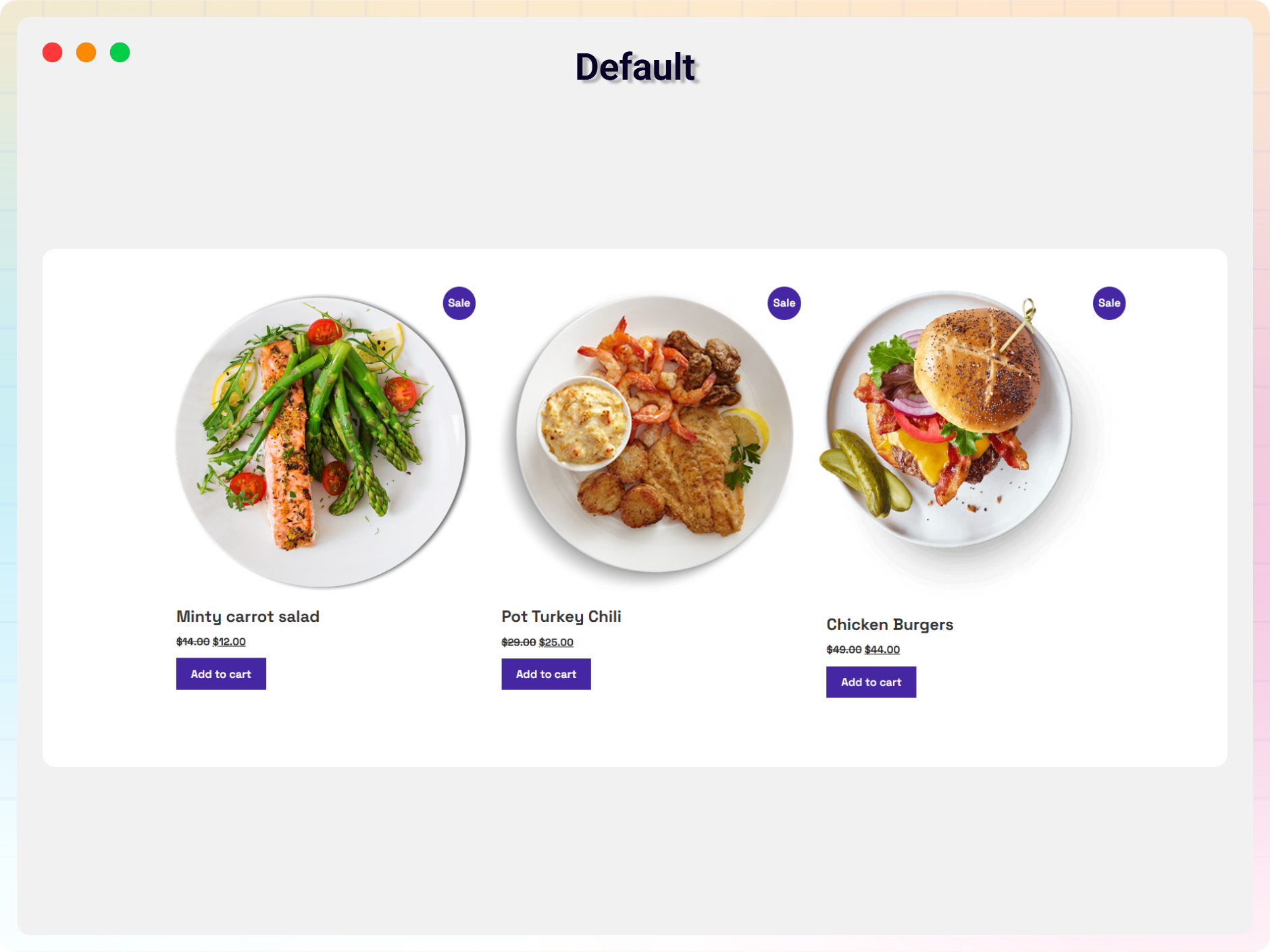
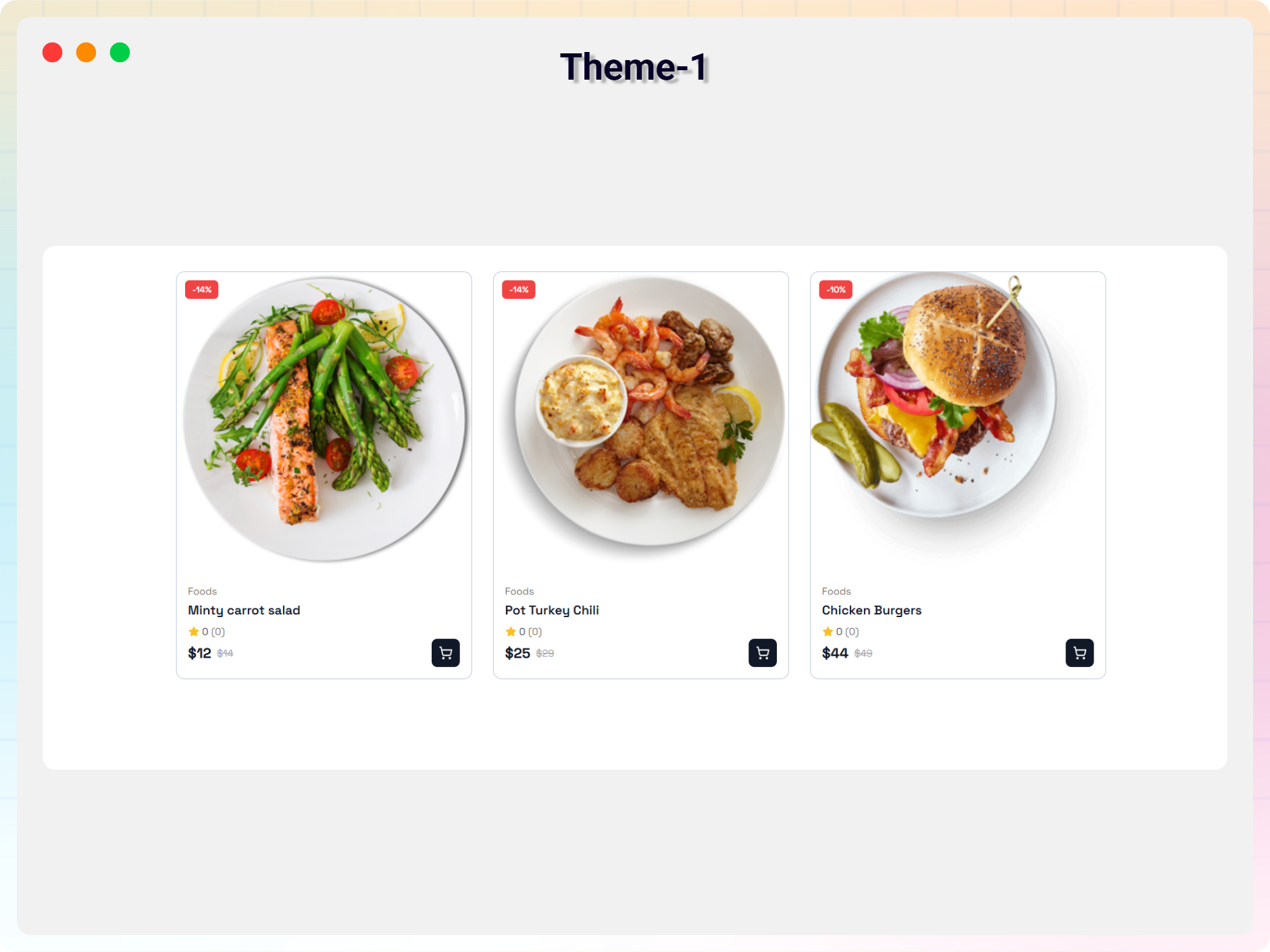
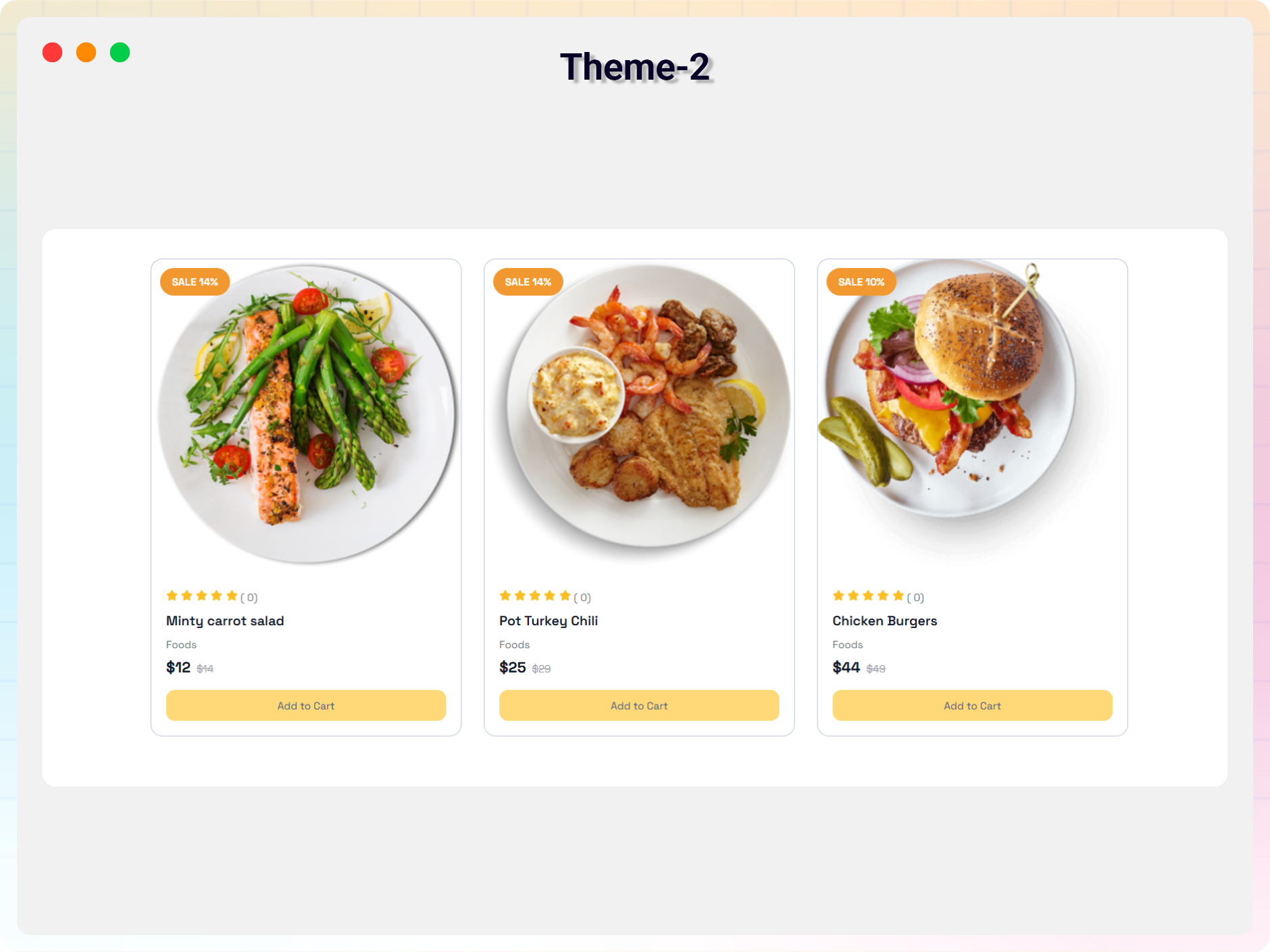
Recent Products Block for WooCommerce is a Gutenberg block plugin that lets you showcase recently added WooCommerce products anywhere on your website using the block editor. New arrivals appear where you place the block – no manual updates needed.
The plugin integrates seamlessly with the WordPress Gutenberg editor and provides flexible customization options, from product query filters to responsive column layouts, so you can create attractive product showcases for your customers.
Free Features
- Shortcode Support: Place your recent products anywhere shortcodes work.
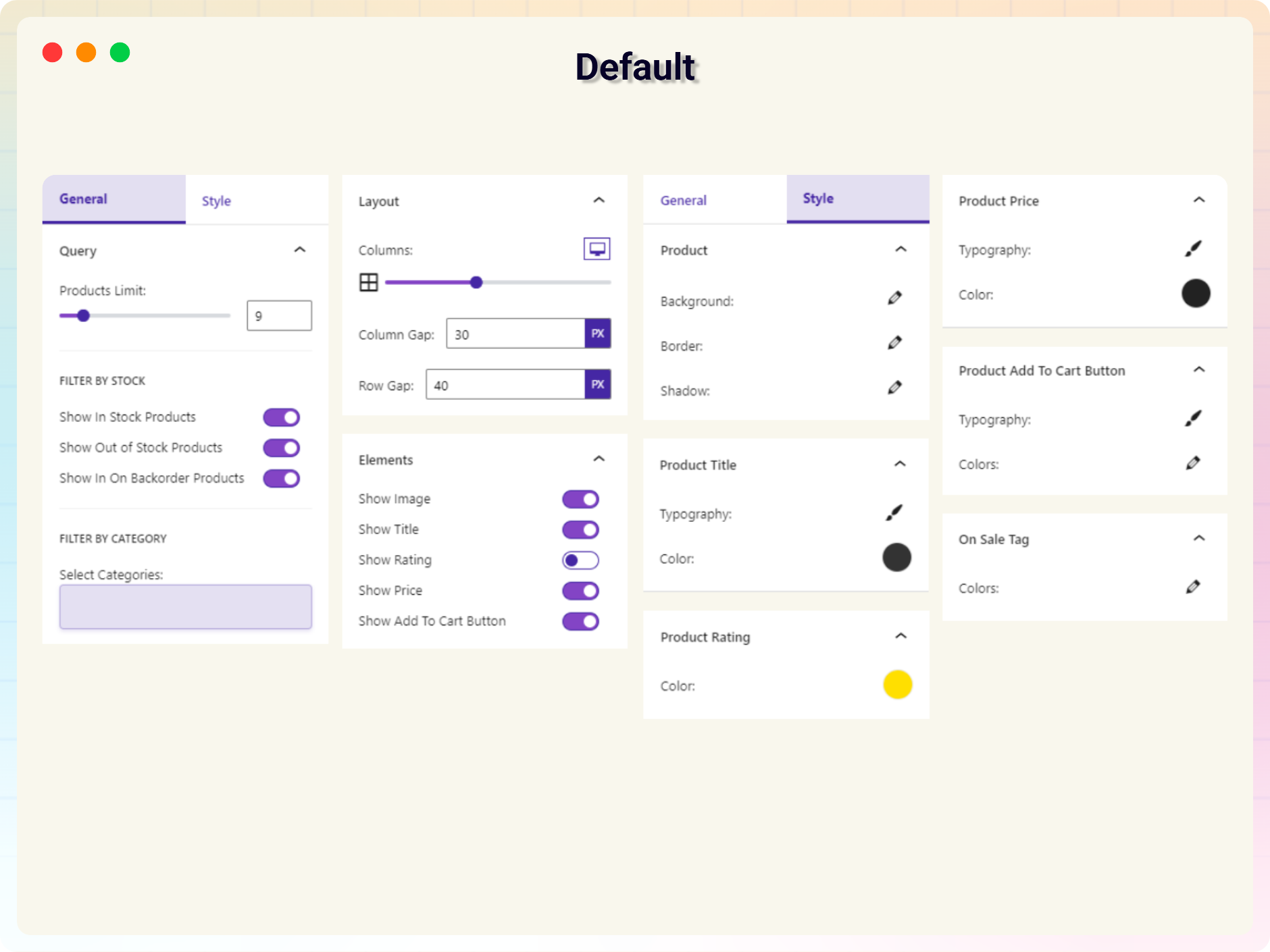
- Product Query Options: Control which products are pulled into the block.
- Filtering: Filter products by category, stock status, and more.
- Responsive Columns: Separate column settings for desktop, tablet, and mobile.
- Layout Spacing: Custom column and row gap controls.
- Element Visibility: Show or hide the product image, title, rating, price, and add-to-cart button.
How to Use
- Install and activate WooCommerce.
- Install and activate the Recent Products Block plugin.
- Open the Gutenberg editor.
- Add the WooCommerce Recent Products block from the Widgets category.
- Customize the block settings from the right sidebar.
- Publish and enjoy.
Did you like this plugin? Do you have a feature request? Please share your feedback with us: support@bplugins.com
Development Source
Source Repository:
https://github.com/bPlugins/recent-products-block-wp
This plugin includes generated build assets in the build directory.
The original source code used to generate those assets is publicly available in the repository above.
Build Instructions:
- npm install
- npm run build
External third-party library
This plugin connects to the following external third-party library from the admin dashboard:
bpl-tools
- Source / GitHub: https://github.com/bPlugins/bpl-tools
- License: GPL-2.0-or-later – https://www.gnu.org/licenses/gpl-2.0.html
- Purpose: Shared utility library providing admin dashboard components and common Gutenberg editor controls.
- External Services: The library may connect to bPlugins, WordPress.org, and Freemius services for product data and checkout functionality. See full details: https://github.com/bPlugins/bpl-tools#external-requests–why-they-are-made
Screenshots
Blocks
This plugin provides 1 block.
- WooCommerce Recent Products Display WooCommerce Recent Products
Installation
From your WordPress dashboard (recommended):
- Go to Plugins Add New.
- Search for “Recent Products Block”.
- Click Install Now, then Activate (WooCommerce must be installed and active).
- Add the WooCommerce Recent Products block to any post or page in the block editor.
Manual installation:
- Download the plugin ZIP file.
- Go to Plugins Add New in your WordPress admin dashboard and click Upload Plugin.
- Upload the
recent-products-block.zipfile, click Install Now, then Activate. - Alternatively, extract and upload the plugin folder to the
/wp-content/plugins/directory, then activate it through the Plugins menu.
FAQ
-
Is the WooCommerce Recent Products plugin free?
-
Yes, the plugin is completely free to use.
-
Does this plugin require WooCommerce?
-
Yes. The block displays WooCommerce products, so WooCommerce must be installed and activated first.
-
Does it work with any WordPress theme?
-
Yes, it works with all standard WordPress themes.
-
Can I customize the block settings?
-
Yes, all block settings can be customized from the Gutenberg editor sidebar.
-
Can I filter which products are shown?
-
Yes. You can filter products by category, stock status, and more using the product query options.
-
Can I control the layout on mobile devices?
-
Yes. The block has separate responsive column settings for desktop, tablet, and mobile, plus custom column and row gap controls.
-
Can I reuse the block multiple times?
-
Yes, you can use the block unlimited times on your website. Shortcode support is also included.
-
Where can I get support?
-
You can get support here: https://wordpress.org/support/plugin/recent-products-block/
Reviews


Contributors & Developers
“Recent Products Block – keep shoppers up to date on new arrivals” is open source software. The following people have contributed to this plugin.
Contributors


Translate “Recent Products Block – keep shoppers up to date on new arrivals” into your language.
Interested in development?
Browse the code, check out the SVN repository, or subscribe to the development log by RSS.
Changelog
2.0.4
8 July 2026
* Added latest dashboard .
2.0.3
-20 May 2026
- Fixed plugin guideline compliance issues.
- Improved readme structure and formatting.
- Minor improvements and fixes.
1.0.0
- Initial release.